






Understand your customers’ financial activity and make smarter decisions.
Trusted by



Transparent, consent-driven flows that build trust and drive conversion, fully aligned with CBUAE standards.
Reduce friction and drop-offs with seamless bank connections.
Unlock real-time financial data for smarter decisions and better customer outcomes.
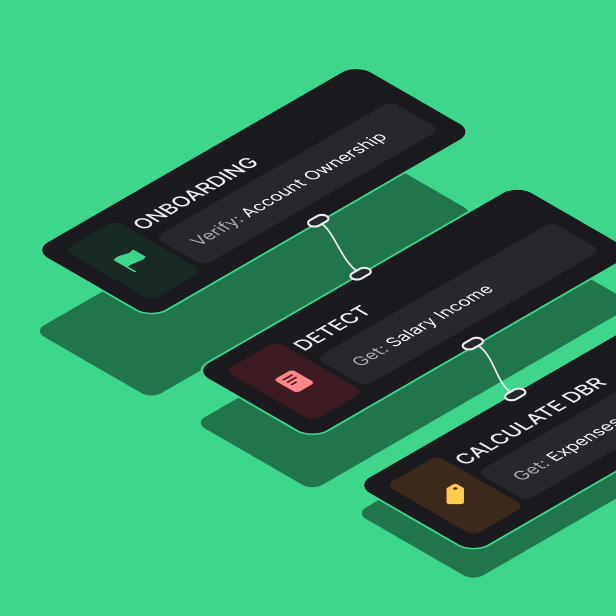
Streamline onboarding, underwriting and payment workflows with instant access to financial data.
Provide a secure, seamless and consistent journey across financial workflows.
Operate within a Central Bank-regulated framework designed for secure data sharing.
Retrieve account details, balances, and account activity to build a clearer customer profile.
Identify salaries, recurring deposits, income streams, and stability patterns that traditional sources may miss.
Understand how customers spend, manage commitments, and move money across categories.
Track inflows, outflows, and net cash flow over time to assess financial stability and ability to meet obligations.
Track balance trends and account movement to better understand financial behavior over time.
Access structured transaction data to understand income, spending, transfers, and recurring financial behavior.
Get standardized financial reports that support audit, compliance, and decision-making across customer workflows.
Industries
Customer stories powered by financial data